Comu
Software & AI · 4 products listed · USD 10 – 180
Comu AI voice recorder turns conversations into unlimited free transcriptions, basic summaries, slides, and emails. Pocket-sized AI workmate with one-tap recording, 100+ language support, and GDPR/HIPAA/SOC 2 compliance. Trusted by 2 million professionals.
Where to buy

Popular products
 Comu
Comu Action Pro
$179.99
Shop now →
Comu
Comu Action Pro
$179.99
Shop now →
 Comu
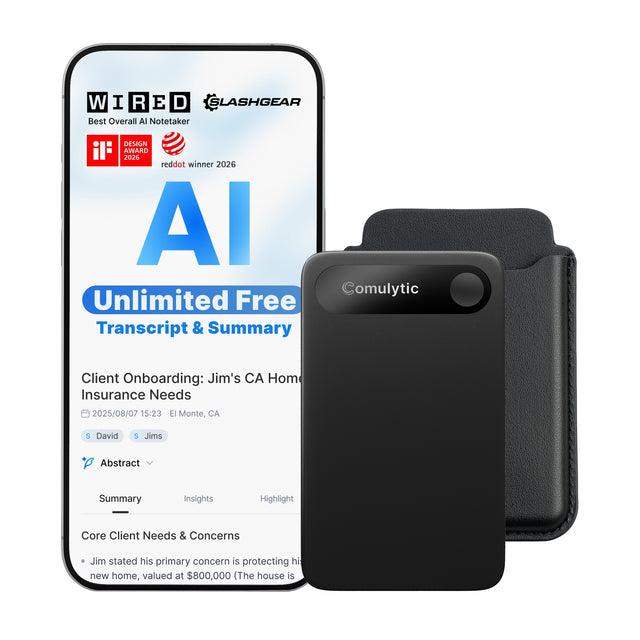
Comulytic Note Pro
$166.99
Shop now →
Comu
Comulytic Note Pro
$166.99
Shop now →
 Comu
Comu Gift Card
$10.00
Shop now →
Comu
Comu Gift Card
$10.00
Shop now →
 Comu
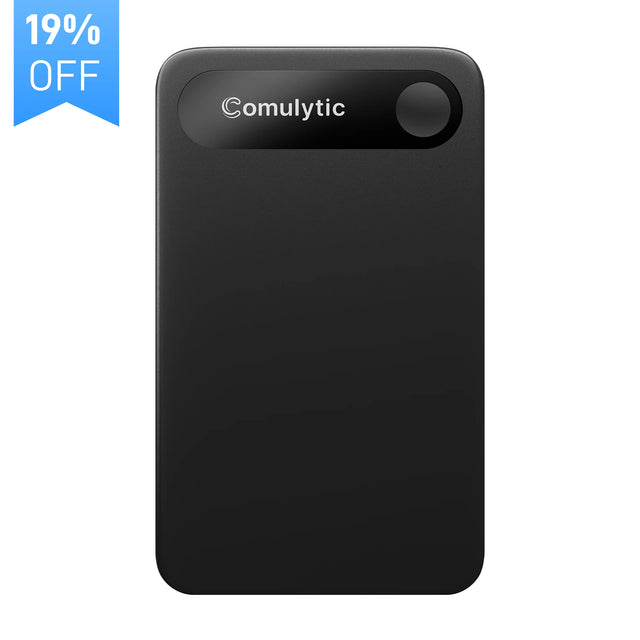
Comulytic Note Pro
$128.99
Shop now →
Comu
Comulytic Note Pro
$128.99
Shop now →
About Comu
Comu transforms conversations into actionable work output—transcriptions, summaries, slides, and emails—all powered by AI. Trusted by 2 million professionals, it covers the entire meeting lifecycle from prep through delivery.
The Problem Comu Solves
Meetings generate ideas, but the real work happens after they end. Teams spend hours manually transcribing conversations, hunting through notes for decisions, and recreating content in different formats. Comu closes that gap by automating the entire post-meeting workflow. With one-tap recording, the app captures conversations in over 100 languages and turns them into searchable, timestamped transcripts. More importantly, it goes beyond transcription: it surfaces relevant context before meetings start, tracks decisions during the conversation, and generates summaries, action lists, and ready-to-share outputs like emails or presentation drafts afterward. For knowledge workers juggling multiple meetings daily, this eliminates repetitive manual work and ensures nothing falls through the cracks.
What stands out
- Automates entire post-meeting workflow: transcription, summaries, slides, emails
- 100+ language support with GDPR, HIPAA, and SOC 2 compliance
- Trusted by 2 million professionals; covers pre-, during-, and post-meeting stages
Worth knowing
- Ongoing subscription cost adds up for smaller teams or light meeting users
- Relies on AI quality for outputs; may need human review for high-stakes content
Questions & answers
Does Comu work offline or only with internet?
Comu requires internet connection to upload recordings and generate AI outputs. However, the one-tap recording function works locally on your device; transcription and downstream features process in the cloud after upload.
Can Comu integrate with calendar or video conferencing tools?
Yes. Comu's higher-tier plans include custom integrations and work alongside tools like Zoom, Google Meet, and Outlook calendar, though specific integration details appear on their store for your exact plan tier.
What happens to my meeting recordings after transcription?
Comu stores transcriptions and generated outputs (summaries, slides, emails) in your workspace so you can search and revisit them. Full compliance with GDPR and HIPAA means your data stays secure and you control retention; review their privacy policy for deletion and archival options.
Guides in Software & AI
All guides → Design
Movavi Video Editor for Mac: A Buyer's Guide
Movavi is a multimedia software company best known for Video Editor, a consumer-grade video editor for Windows and Mac…
 Software & AI
FlexiSpy Phone and Computer Monitoring Software Review
FlexiSpy is monitoring software installed directly on Android, iPhone, iPad, and PC/Mac devices to give account owners…
 Hosting
UltaHost Web Hosting Review: Shared, VPS, and Dedicated Options for Every Scale
UltaHost is a web hosting provider offering 12+ hosting types from shared plans to dedicated servers across 30+ global…
Some links on this page are affiliate links. If you buy through them we may earn a commission at no extra cost to you. Prices and availability are taken from the retailer and can change without notice. Compiled by The Found Good editors.