OWN3D
Gaming · 6 products listed
OWN3D is the #1 place for Stream Designs, Tools for OBS Studio, Twitch Extensions, Services and Tutorials for Beginners & Pros
Where to buy

Popular products
 OWN3D
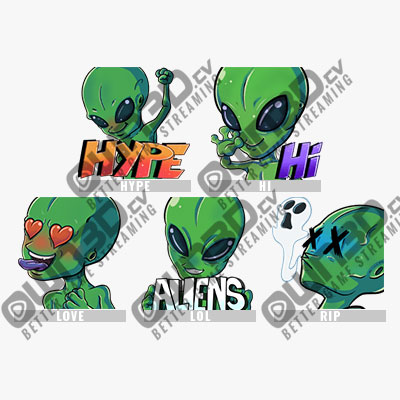
Alien Emotes Twitch Sub Emote | Twitch Sub Emotes - 5 Pack Twitch Sub Emote | Twitch Sub Emotes
$11.49
Shop now →
OWN3D
Alien Emotes Twitch Sub Emote | Twitch Sub Emotes - 5 Pack Twitch Sub Emote | Twitch Sub Emotes
$11.49
Shop now →
 OWN3D
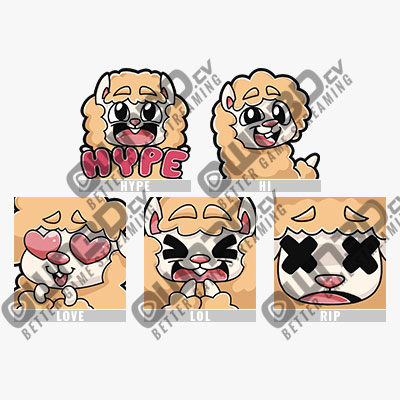
Alpaca Emotes Twitch Sub Emote | Twitch Sub Emotes - 5 Pack Twitch Sub Emote | Twitch Sub Emotes
$11.49
Shop now →
OWN3D
Alpaca Emotes Twitch Sub Emote | Twitch Sub Emotes - 5 Pack Twitch Sub Emote | Twitch Sub Emotes
$11.49
Shop now →
 OWN3D
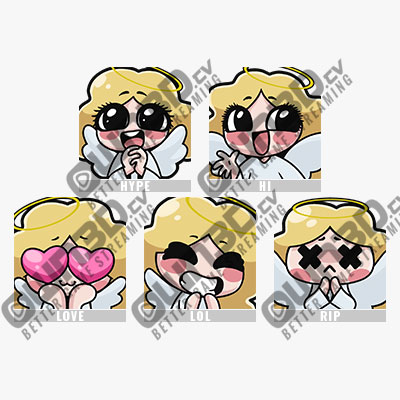
Angel Emotes Twitch Sub Emote | Twitch Sub Emotes - 5 Pack Twitch Sub Emote | Twitch Sub Emotes
$11.49
Shop now →
OWN3D
Angel Emotes Twitch Sub Emote | Twitch Sub Emotes - 5 Pack Twitch Sub Emote | Twitch Sub Emotes
$11.49
Shop now →
 OWN3D
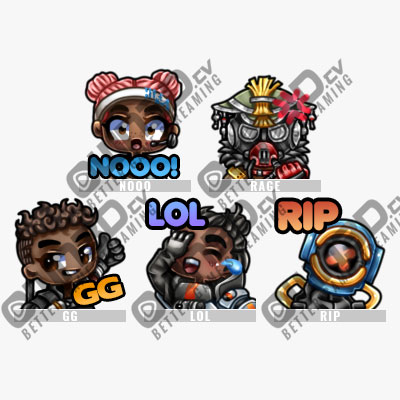
Apex Legends 1 Twitch Sub Emote | Twitch Sub Emotes - 5 Pack Twitch Sub Emote | Twitch Sub Emotes
$11.49
Shop now →
OWN3D
Apex Legends 1 Twitch Sub Emote | Twitch Sub Emotes - 5 Pack Twitch Sub Emote | Twitch Sub Emotes
$11.49
Shop now →
 OWN3D
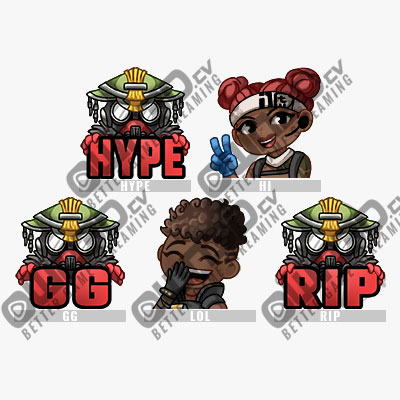
Apex Legends 2 Twitch Sub Emote | Twitch Sub Emotes - 5 Pack Twitch Sub Emote | Twitch Sub Emotes
$11.49
Shop now →
OWN3D
Apex Legends 2 Twitch Sub Emote | Twitch Sub Emotes - 5 Pack Twitch Sub Emote | Twitch Sub Emotes
$11.49
Shop now →
 OWN3D
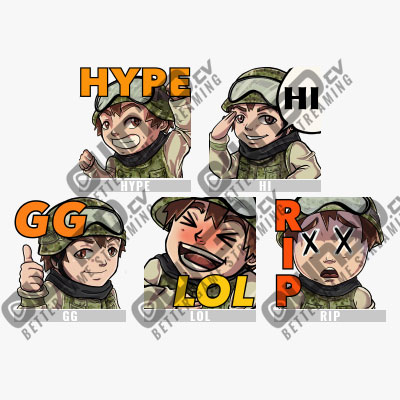
Army Soldier Twitch Sub Emote | Twitch Sub Emotes - 5 Pack Twitch Sub Emote | Twitch Sub Emotes
$11.49
Shop now →
OWN3D
Army Soldier Twitch Sub Emote | Twitch Sub Emotes - 5 Pack Twitch Sub Emote | Twitch Sub Emotes
$11.49
Shop now →
About OWN3D
OWN3D is a specialized marketplace for stream overlays, emotes, panels, and OBS tools built for Twitch and other live platforms. Founded in 2017, the site serves streamers with design assets and tutorials to enhance their broadcast appearance.
What OWN3D Offers Streamers
OWN3D positions itself as the largest streamer shop worldwide, focusing on visual and technical assets for live broadcast. The catalog includes stream overlays, custom emotes, panels, and tools designed for OBS Studio—the industry-standard broadcast software. Beyond products, OWN3D provides tutorials for both beginners and experienced streamers, addressing a common gap: many content creators excel at engaging their community but lack motion design, animation, and sound design skills. The company describes its mission as giving every streamer a chance to present a polished external representation. The catalog spans over 10,000 products, ranging from pre-made templates to customizable designs. Most items are digital assets that download immediately after purchase, making them suitable for streamers who want fast turnarounds before going live. The platform supports multiple streaming services, not just Twitch, so creators on Trovo, Facebook Gaming, and other platforms can find compatible designs.
OWN3D's Product Range in Practice
The shop's breadth reflects the different budgets and skill levels of its customer base. Entry-level creators often start with affordable, ready-to-use overlays and emote packs that require minimal customization. Mid-range options include more detailed or niche designs tailored to specific games or streaming styles. Premium offerings serve professional streamers who need bespoke assets or higher-resolution files. OBS tools and extensions occupy their own category, appealing to streamers who want technical enhancements beyond visual design. The tutorials section complements the marketplace, helping users maximize their purchases through step-by-step guides. OWN3D operates with a team of 51 full-time employees across multiple offices and distributed home-office setups, spanning 14 nationalities. This international structure informs the design variety—the shop reflects trends and aesthetics from different regions and streaming communities. Turnaround from purchase to download is immediate for digital products, which matters for streamers preparing for scheduled broadcast times.
What stands out
- Largest catalog of stream assets with 10,000+ products for multiple platforms
- Immediate digital downloads enable last-minute broadcast preparation
- Tutorials and tools address gaps in motion design and technical knowledge
Worth knowing
- Requires familiarity with OBS or broadcast software to use most assets effectively
- Emotes and overlays often need tweaking to match unique stream aesthetic or branding
Questions & answers
What file formats do OWN3D overlays and emotes use?
OWN3D provides assets compatible with OBS Studio and major streaming platforms. Most overlays arrive as PNG or PSD files; emotes are typically PNG with transparency for Twitch compatibility. Specific format details appear in each product listing before purchase, allowing you to verify compatibility with your setup.
Can I use OWN3D designs on multiple streaming accounts or platforms?
License terms vary by product. Most designs grant personal use rights allowing deployment across your own accounts. OWN3D's product pages detail licensing restrictions; commercial resale or redistribution typically require separate permissions. Review the license section of any item before purchase to confirm permitted use cases.
How often does OWN3D release new designs or update tutorials?
OWN3D adds new products regularly to keep pace with streaming trends and seasonal events. The tutorial library expands alongside product launches, with guides covering both software setup and design customization. Check the site's news section or follow their announcements for release schedules and newly available assets.
Guides in Gaming
All guides →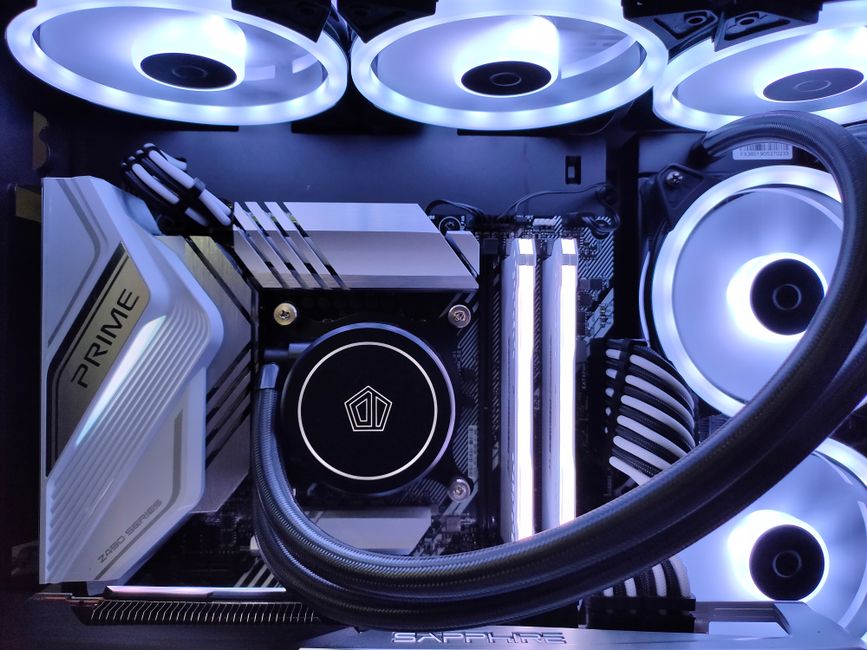 PC Gaming
How to Choose a Gaming Desktop: Essential Specs and Setup Advice
A gaming desktop needs the right balance of GPU, CPU, RAM and storage to deliver smooth performance at your target res…
 Consoles
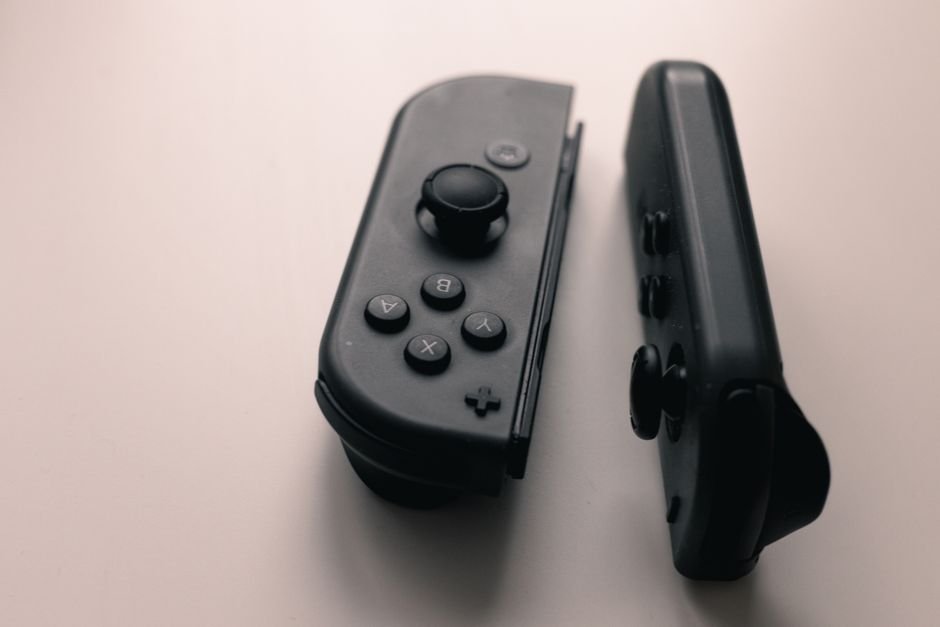
How to Pick a Gaming Console: Features, Price, and Games
Choosing a gaming console depends on your games, display, and budget—not just raw power. This guide walks you through …
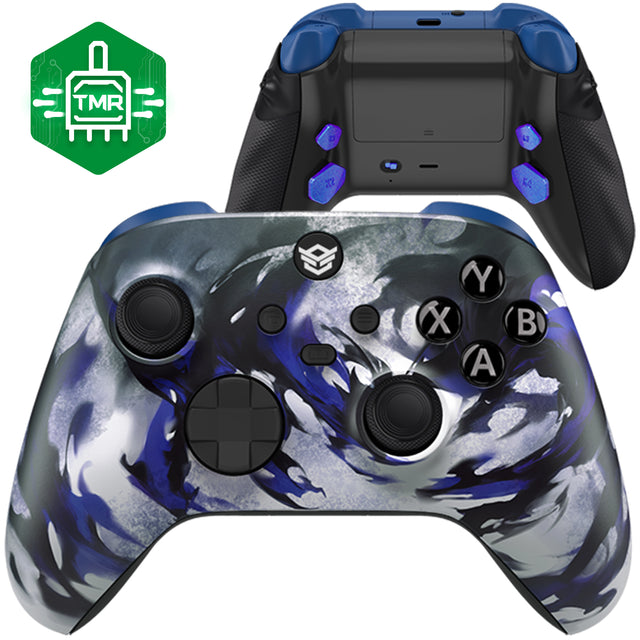 Accessories
Pro Streamer Accessories: Build Your Setup for Broadcasting
Professional streaming demands more than a webcam and microphone. We guide you through controllers, keyboards, monitor…
Some links on this page are affiliate links. If you buy through them we may earn a commission at no extra cost to you. Prices and availability are taken from the retailer and can change without notice. Compiled by The Found Good editors.